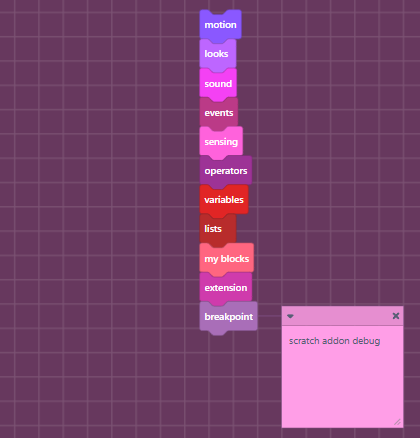
"Sweet" custom scratch theme
A downloadable texture pack
Instructions to install to Scratch:
1 - Install the extension "Scratch addons".
2 - Open the Scratch addons page and find "Customizable block colors", click v and then "Import settings" and put in "sweet_blocks".
3 - Find "Editor dark mode and customizable colors", click v and then "Import settings" and put in "sweet_editor".
4 - Find "Website dark mode and customizable colors", click... you get the idea by now, Anyways, and put in "sweet_website".
Leave a comment
Log in with itch.io to leave a comment.